
本文作者:程序员飞云
界面代码
<el-form-item v-for="(spot, index) in spots" :label="'景点 ' + (index + 1)" :key="index"> <el-input v-model="spot.name"></el-input> <el-button @click="removeSpot(index)" type="danger">删除</el-button></el-form-item> <el-button @click="addSpot" style="margin-right: 10px">添加景点</el-button> <el-button type="primary" @click="handleSubmit">确定</el-button>// 定义景点列表const spots = ref([{name: ''}]);
// 添加按钮点击事件,添加一个新的景点文本框const addSpot = () => { spots.value.push({name: ''}); // 添加一个新的景点文本框项};
// 删除按钮点击事件,移除对应的景点文本框const removeSpot = (index) => { spots.value.splice(index, 1); // 移除指定索引的景点文本框项};
// 确定按钮点击事件,发送列表数据给后端const handleSubmit = () => { // 将景点列表数据发送给后端进行处理 // 示例代码:requestUtil.post('/api/saveSpots', spots.value) ElMessage.success('景点数据已提交给后端');};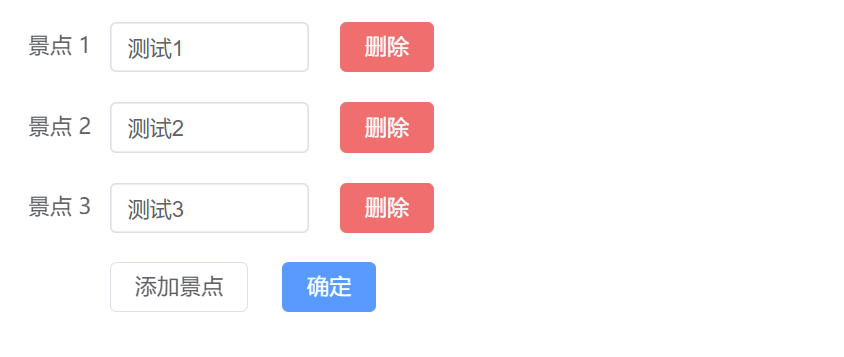
此时传递的是Json数组
[ { "name": "ss" }, { "name": "sss" }, { "name": "ssss" }]如果不希望使用这种方式,可以使用已下方式传递数据
{ "nameList": ["景点1", "景点2", "景点3"]}需要对数据进行处理
// 取出所有的nameconst nameList = spots.value.map(spot => spot.name);// 转换格式const dataToSend = { nameList: nameList };
评论