部署方案
主要是将本地的文件同步到Web服务器上。
Serve工具
通过Node.js快速启动一个web服务器,为当前目录提供一个访问路径。 首先需要安装serve
npm i -g serve然后在指定目录cmd中输入
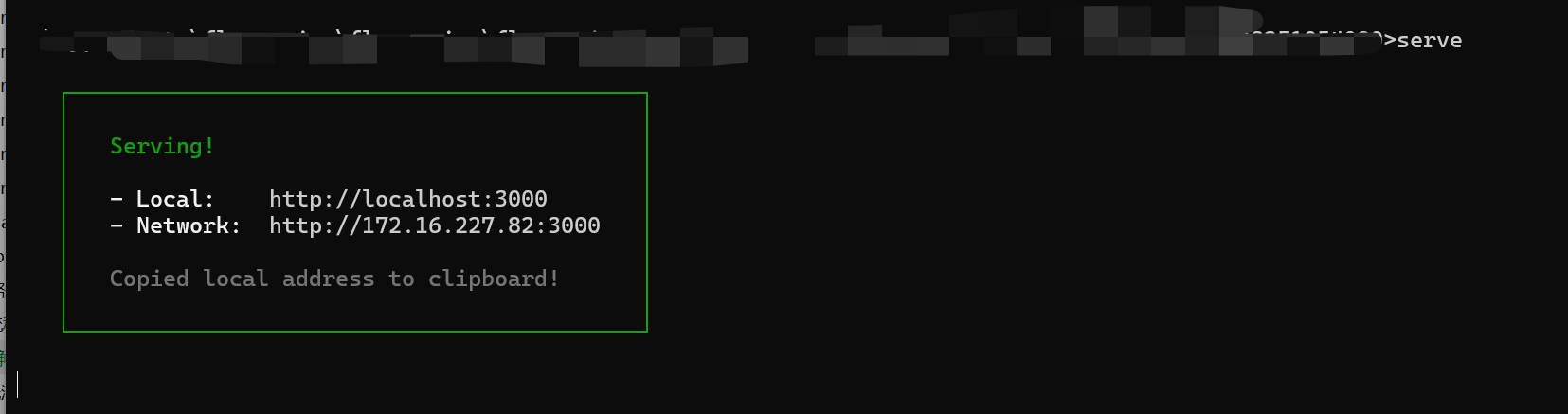
serve可以看到返回了指定的地址,serve不仅可以用于访问html网页,也可以访问目录
如果希望使用SpringBoot搭配Serve使用,可以使用ProcessBuilder运行serve命令。
@Servicepublic class ServeDeployService {
    private static final String CODE_BASE_DIR = "/temp/deploy";    private static final int SERVE_PORT = 3000;    private static Process serveProcess;
    /**     * 启动 Serve 服务     */    public void startServeService() {        try {            if (serveProcess == null || !serveProcess.isAlive()) {                ProcessBuilder pb = new ProcessBuilder(                    "npx", "serve", CODE_BASE_DIR, "-p", String.valueOf(SERVE_PORT)                );                pb.redirectErrorStream(true);                serveProcess = pb.start();                System.out.println("Serve service started on port " + SERVE_PORT);            }        } catch (Exception e) {            throw new RuntimeException("Failed to start serve service", e);        }    }
    /**     * 关闭 Serve 服务     */    public void stopServeService() {        if (serveProcess != null && serveProcess.isAlive()) {            serveProcess.destroy();            try {                serveProcess.waitFor(5, TimeUnit.SECONDS);                System.out.println("Serve service stopped");            } catch (InterruptedException e) {                serveProcess.destroyForcibly();                System.out.println("Serve service force stopped");            }        }    }}
控制serve生命周期,使用EventListener、PreDestroy
@Componentpublic class ServeLifecycleManager {
    @Autowired    private ServeDeployService serveDeployService;
    /**     * Spring Boot 启动完成后启动 Serve 服务     */    @EventListener(ApplicationReadyEvent.class)    public void onApplicationReady() {        serveDeployService.startServeService();    }
    /**     * Spring Boot 关闭时停止 Serve 服务     */    @PreDestroy    public void onApplicationShutdown() {        System.out.println("Shutting down Serve service...");        serveDeployService.stopServeService();    }}
此方法缺点是需要依赖Node.js
使用SpringBoot接口
通过在后端实现指定目录位置静态资源访问的接口,输入路径访问
@RestController@RequestMapping("/static")public class StaticResourceController {
    // 应用生成根目录(用于浏览)    private static final String PREVIEW_ROOT_DIR = System.getProperty("user.dir") + "/tmp/code_output";
    /**     * 提供静态资源访问,支持目录重定向     * 访问格式:http://localhost:8100/api/static/{deployKey}[/{fileName}]     */    @GetMapping("/{deployKey}/**")    public ResponseEntity<Resource> serveStaticResource(            @PathVariable String deployKey,            HttpServletRequest request) {        try {            // 获取资源路径            String resourcePath = (String) request.getAttribute(HandlerMapping.PATH_WITHIN_HANDLER_MAPPING_ATTRIBUTE);            resourcePath = resourcePath.substring(("/static/" + deployKey).length());            // 如果是目录访问(不带斜杠),重定向到带斜杠的URL            if (resourcePath.isEmpty()) {                HttpHeaders headers = new HttpHeaders();                headers.add("Location", request.getRequestURI() + "/");                return new ResponseEntity<>(headers, HttpStatus.MOVED_PERMANENTLY);            }            // 默认返回 index.html            if (resourcePath.equals("/")) {                resourcePath = "/index.html";            }            // 构建文件路径            String filePath = PREVIEW_ROOT_DIR + "/" + deployKey + resourcePath;            File file = new File(filePath);            // 检查文件是否存在            if (!file.exists()) {                return ResponseEntity.notFound().build();            }            // 返回文件资源            Resource resource = new FileSystemResource(file);            return ResponseEntity.ok()                    .header("Content-Type", getContentTypeWithCharset(filePath))                    .body(resource);        } catch (Exception e) {            return ResponseEntity.status(HttpStatus.INTERNAL_SERVER_ERROR).build();        }    }
    /**     * 根据文件扩展名返回带字符编码的 Content-Type     */    private String getContentTypeWithCharset(String filePath) {        if (filePath.endsWith(".html")) return "text/html; charset=UTF-8";        if (filePath.endsWith(".css")) return "text/css; charset=UTF-8";        if (filePath.endsWith(".js")) return "application/javascript; charset=UTF-8";        if (filePath.endsWith(".png")) return "image/png";        if (filePath.endsWith(".jpg")) return "image/jpeg";        return "application/octet-stream";    }}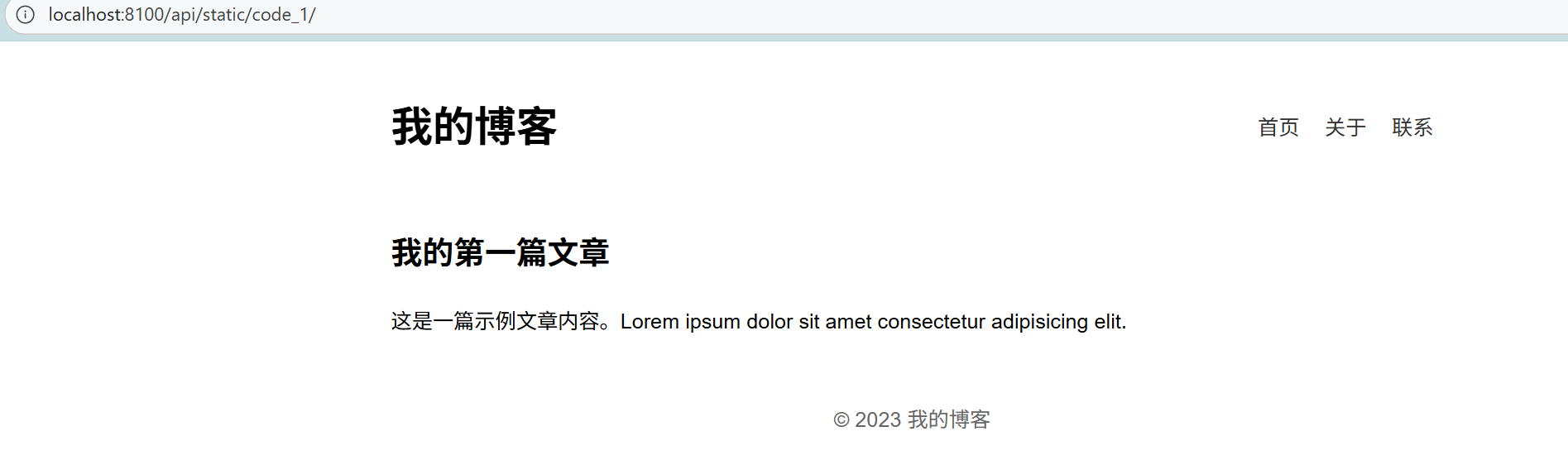
缺点是功能简单。
Nginx
添加如下配置
# 静态资源服务器 - 80 端口server {    listen       80;    server_name  localhost;    charset      utf-8;    charset_types text/css application/javascript text/plain text/xml application/json;    # 项目部署根目录,需要使用/这个斜杠    root        D:/myprojects/fly-genius/fly-genius/fly-genius-backend/tmp/code_output;
    # 处理所有请求    location ~ ^/([^/]+)/(.*)$ {        try_files /$1/$2 /$1/index.html =404;    }}
运行nginx.exe程序 通过重载配置
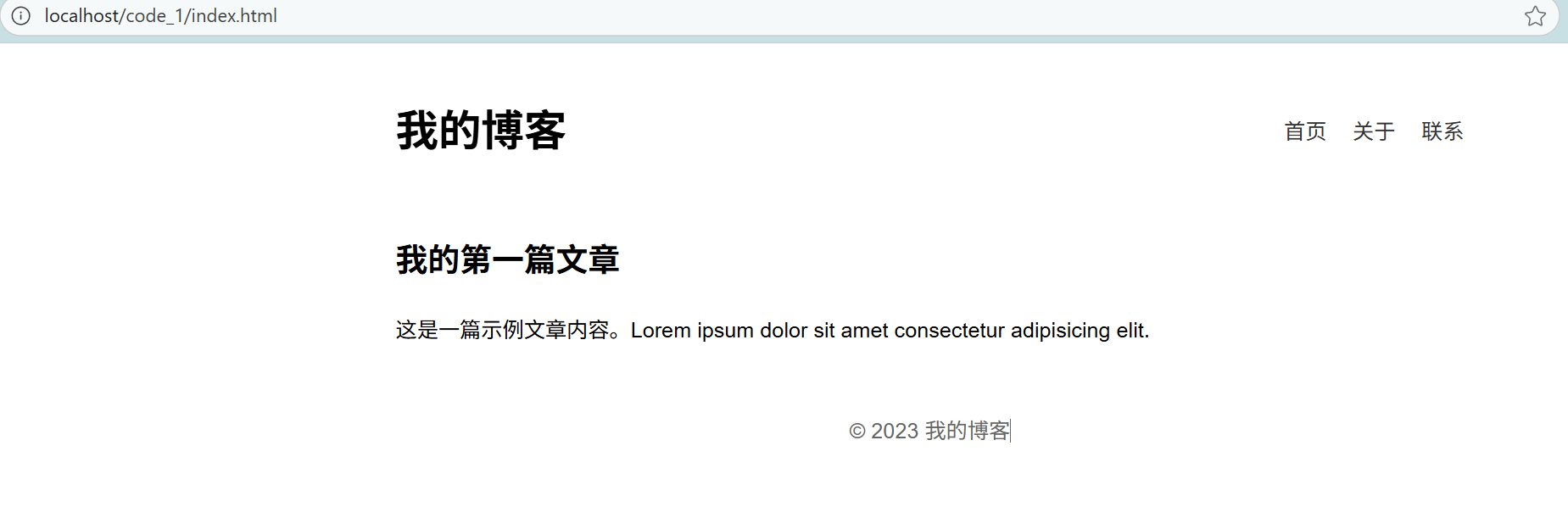
nginx -s reload可以看到正常运行
评论