
本文作者:程序员飞云
腾讯云官网
配置存储桶
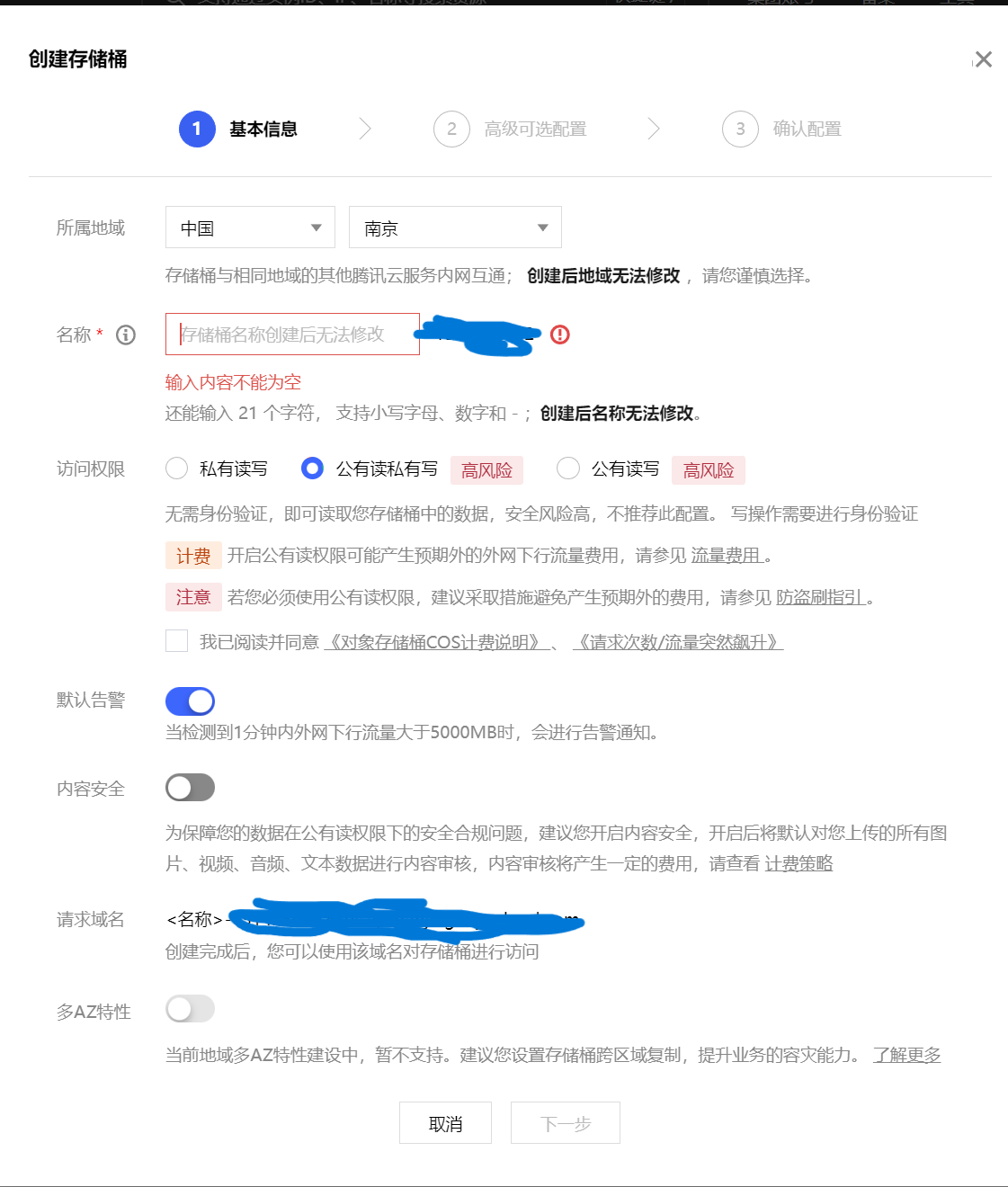
- 所属地域:自己需要服务用户或者自己所在地区的地址
- 名称:编写存储桶名称
- 访问权限:
- 私有读写:只能自己进行文件上传下载,其他人无法使用
- 共有读私有写:其他人都可以下载文件,但是只有管理员才可以上传文件
- 公有读写:所有人都可以上传文件和下载文件,非常不安全,容易出现盗刷
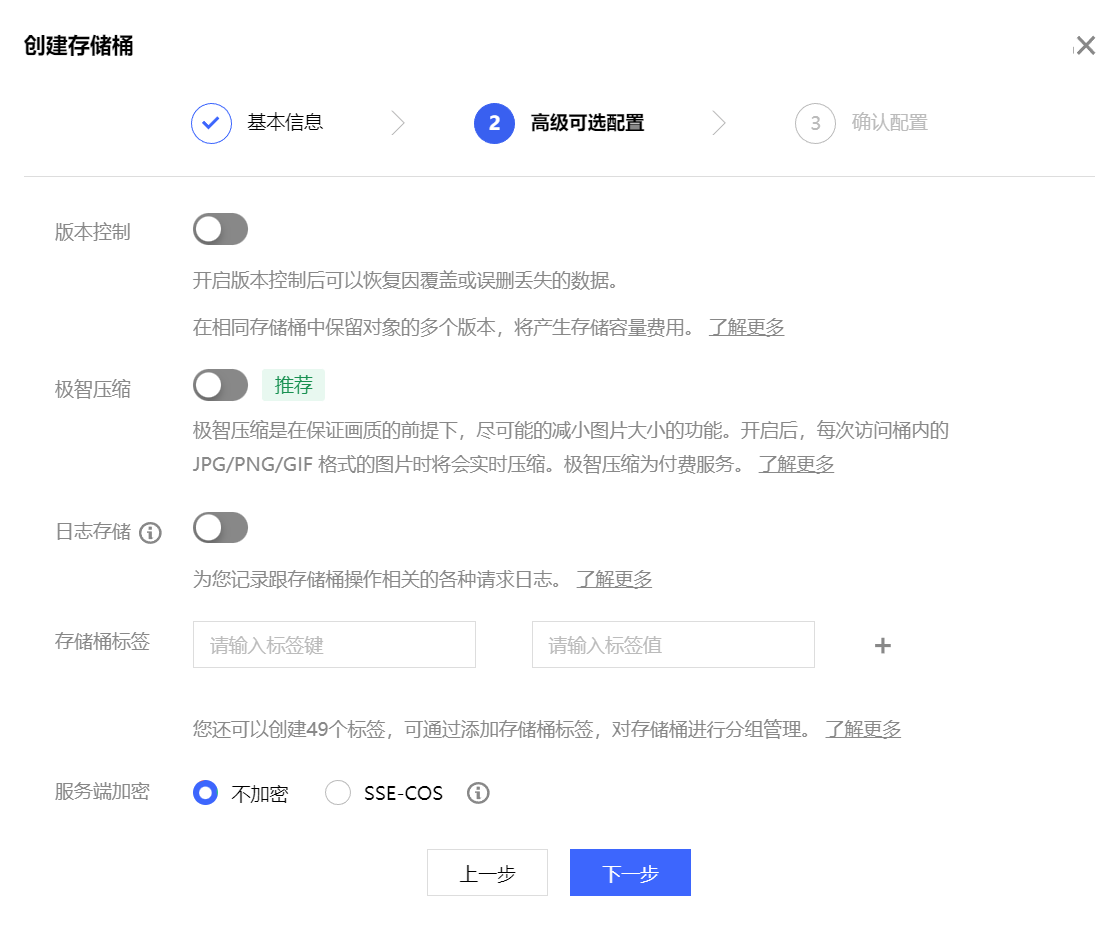
其余的配置可以按需配置,都是需要计费的。
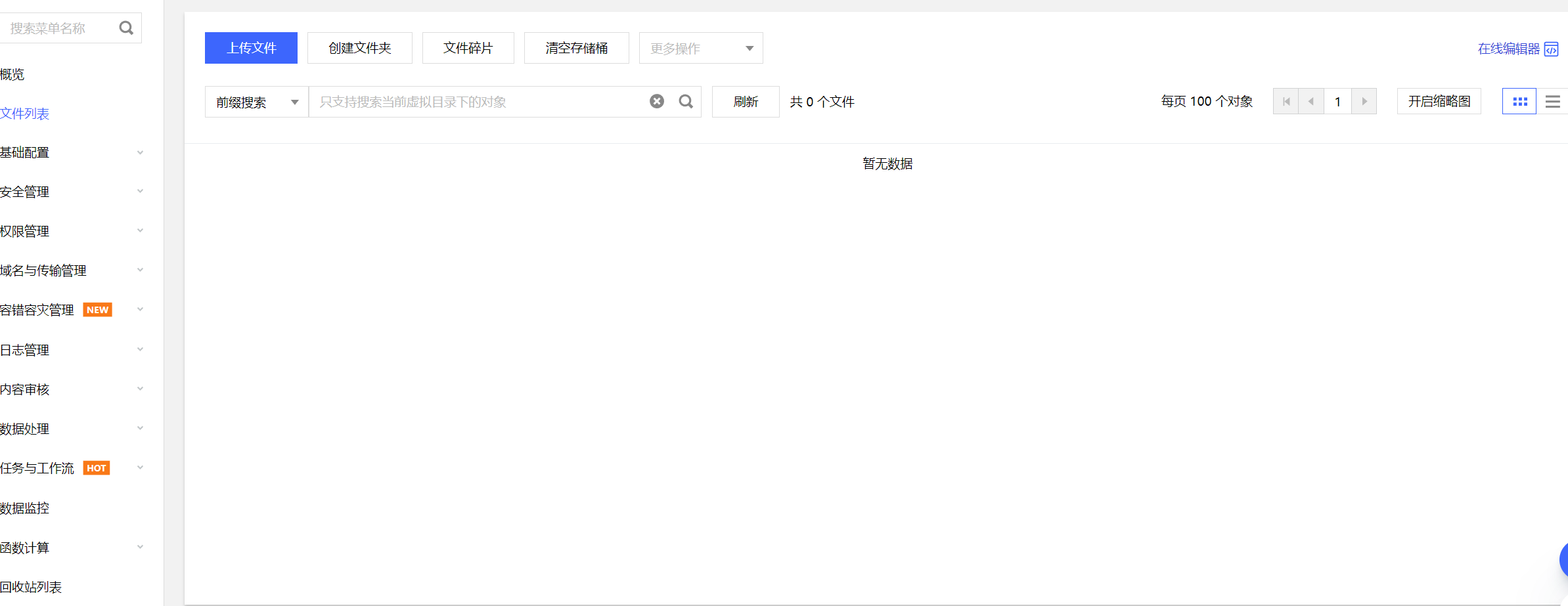
创建成功可以在控制台存储桶列表查看,进入可以进行相应的文件上传和文件管理
上传文件可以查看当前文件的大小
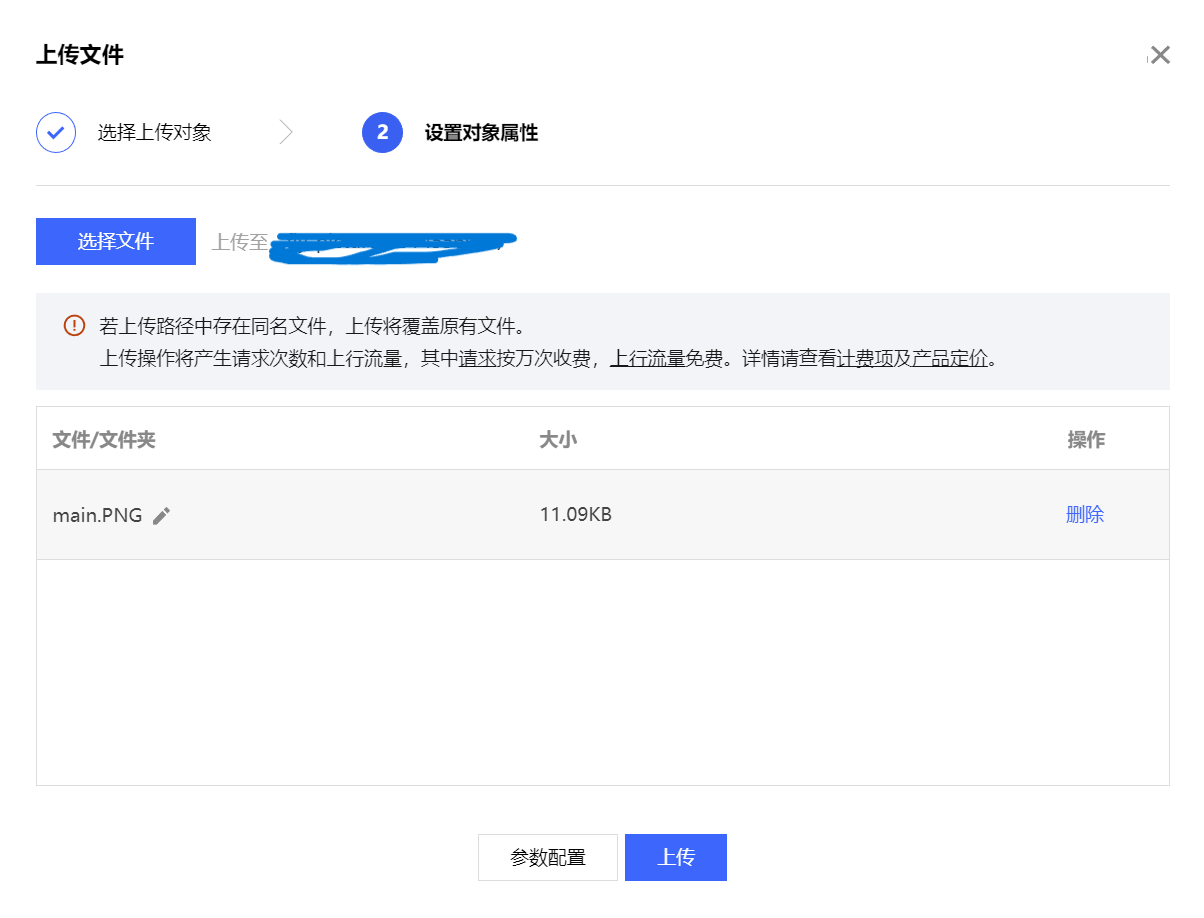
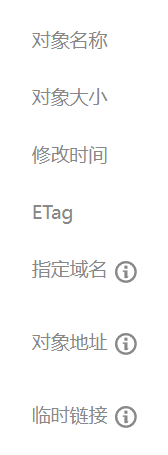
里面的对象不能直接暴露给其他人
在线调试
获取密钥
进入访问管理
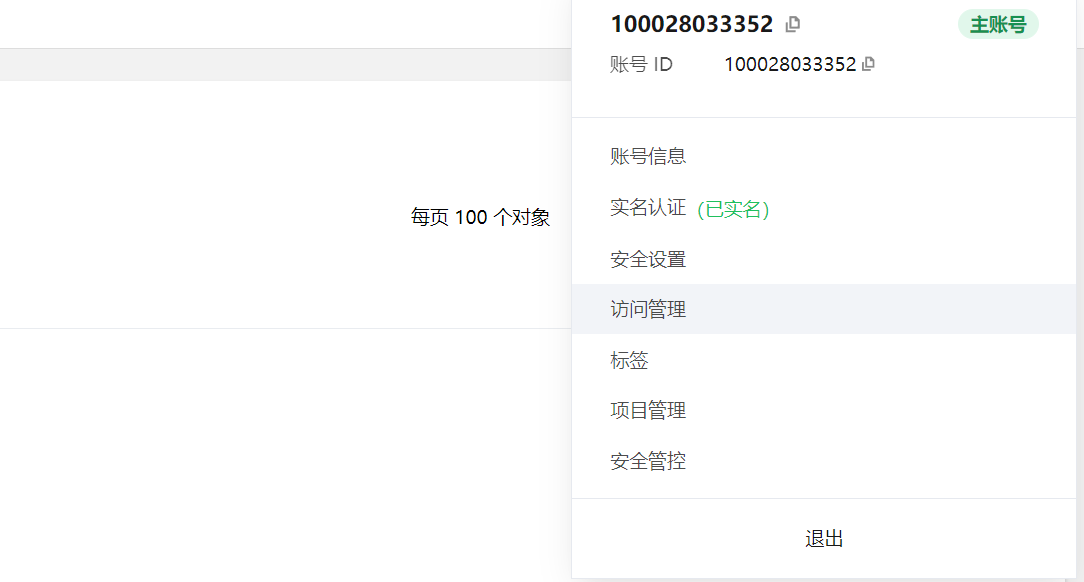
获取自己的密钥
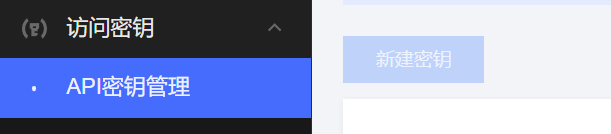
引入依赖
<dependency> <groupId>com.qcloud</groupId> <artifactId>cos_api</artifactId> <version>5.6.227</version></dependency>初始化客户端
在yml中编写对应的配置信息
# 腾讯云COS配置信息cos: client: secretId : secretKey : region : bucket: host:- host是当前的存储桶域名,
- region是存储桶的地域,例cos.ap-nanjing
这两个信息都可以在对象地址中查看
一般不建议直接在yml中写入这些密钥信息,上传github等平台容易造成泄露,建议创建一个application-local.yml存储本地信息,这个文件不会上传,可以在.gitignore中排除这个文件
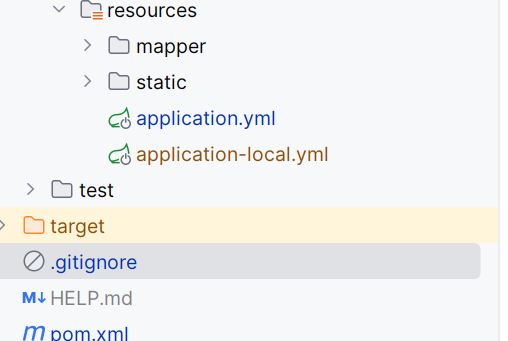
点击配置
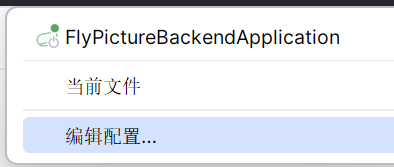
输入有效文件

编写配置
/** * 腾讯云配置 * * @author flycode */@Configuration@ConfigurationProperties(prefix = "cos.client")@Datapublic class CosClientConfig {    /**     * 密钥id     */    private String secretId;
    /**     * 密钥key     */    private String secretKey;
    /**     * 地域     */    private String region;
    /**     * 存储桶     */    private String bucket;
    /**     * 域名     */    private String host;
      @Bean    public COSClient cosClient() {        // 1 初始化用户身份信息(secretId, secretKey)。        // SECRETID 和 SECRETKEY 请登录访问管理控制台 https://console.cloud.tencent.com/cam/capi 进行查看和管理        COSCredentials cred = new BasicCOSCredentials(secretId, secretKey);        // 2 设置 bucket 的地域, COS 地域的简称请参见 https://cloud.tencent.com/document/product/436/6224        // clientConfig 中包含了设置 region, https(默认 http), 超时, 代理等 set 方法, 使用可参见源码或者常见问题 Java SDK 部分。        ClientConfig clientConfig = new ClientConfig(new Region(region));        // 这里建议设置使用 https 协议        // 从 5.6.54 版本开始,默认使用了 https        clientConfig.setHttpProtocol(HttpProtocol.https);        // 3 生成 cos 客户端。        COSClient cosClient = new COSClient(cred, clientConfig);        return cosClient;    }}
文件上传和下载
文件上传
@Componentpublic class CosManager {    @Resource    private CosClientConfig cosClientConfig;
    @Resource    private COSClient cosClient;
    /**     * 将本地文件上传到 COS     */    public PutObjectResult putObject(String key, File file) throws CosClientException, CosServiceException {        PutObjectRequest putObjectRequest = new PutObjectRequest(cosClientConfig.getBucket(), key, file);        return cosClient.putObject(putObjectRequest);    }
}
文件上传测试
@RequestMapping("/file")@RestController@Slf4jpublic class FileController {
    @Resource    private CosManager cosManager;
    @PostMapping("/test")    @AuthCheck(mustRole = UserConstant.ADMIN_ROLE)    public BaseResponse<String> upload(@RequestPart("file") MultipartFile multipartFile) {        String originalFilename = multipartFile.getOriginalFilename();        String filePath = String.format("/test/%s", originalFilename);        File file = null;        try {            file = File.createTempFile(filePath, null);            // 在本地创建临时文件,存储上传的文件            multipartFile.transferTo(file);            PutObjectResult putObjectResult = cosManager.putObject(filePath, file);            return ResultUtils.success(filePath);        } catch (Exception e) {            log.error("filePath:{}", filePath, e);            throw new BusinessException(ErrorCode.PARAMS_ERROR, "文件上传失败");        } finally {            if (file != null) {                boolean delete = file.delete();                if (!delete) {                    log.error("filePath:{}", filePath);                }            }        }    }}
文件下载
有两种方式
- 直接下载文件到后台服务器,在服务器处理完成后返回给用户
- 直接返回文件流,将文件流直接返回给前端
https://cloud.tencent.com/document/product/436/65937
https://cloud.tencent.com/document/product/436/10199#.E4.B8.8B.E8.BD.BD.E5.AF.B9.E8.B1.A1
还有如下几种方式
- 让用户通过url的方式访问下载
- 后端服务器先校验用户权限,校验通过返回给前端临时的密钥,然后前端通过密钥请求对象存储
/** * 流式下载 * <a href="https://cloud.tencent.com/document/product/436/65937#990ad571-e935-40cb-806b-c645b581260c">...</a> * @param key 文件地址 /bucket/文件名 * @return * @throws CosClientException * @throws CosServiceException */ public COSObject getObject(String key) throws CosClientException, CosServiceException { COSObject cosObject = cosClient.getObject(cosClientConfig.getBucket(),key); return cosObject; }文件下载测试
/** * 文件下载 * @param filePath * @param response * @throws IOException */ @GetMapping("/download") @AuthCheck(mustRole = UserConstant.ADMIN_ROLE) public void downLoad(String filePath, HttpServletResponse response) throws IOException { COSObjectInputStream cosObjectInputStream = null; try { COSObject cosObject = cosManager.getObject(filePath); cosObjectInputStream = cosObject.getObjectContent(); // 设置响应头 response.setHeader("Content-Type", "application/octet-stream"); response.setHeader("Content-Disposition", "attachment; filename=" + filePath); // 写入响应流 response.getOutputStream().write(IOUtils.toByteArray(cosObjectInputStream)); response.getOutputStream().flush(); } catch (Exception e) { log.error("filePath:{}", filePath, e); log.error("下载异常"); e.printStackTrace(); } finally { // 用完流之后一定要调用 close() if (cosObjectInputStream != null) { cosObjectInputStream.close(); } } }
评论